Stair planning

Plan stair geometry with the details in view.

Calculate risers, treads, stringers, landings, and cut lists for several stair layouts, then save or export a plan.

View on the App StoreExplore featuresiPhone · iOS 17 or later · In-app purchases
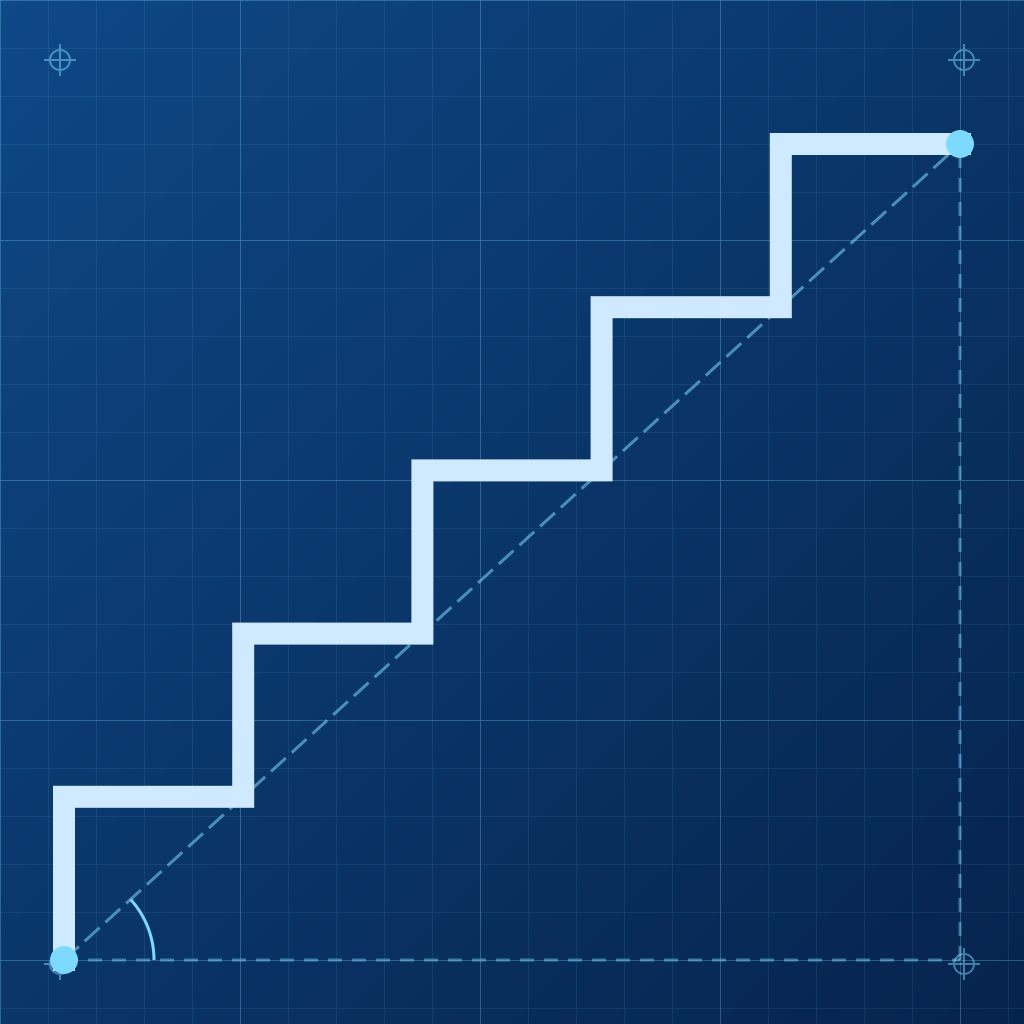
What you can do

StairPlan helps turn measurements into a reviewable plan.

More than straight stairs

Plan straight, turning, winder, spiral, deck, and multi-flight layouts with landings.

Understand the geometry

Review riser and tread sizes, stringer length, angle, headroom, and a side or 3D preview.

Reference checks

Compare selected dimensions with built-in reference rules for supported regions and use Smart Suggest to explore combinations.

Take a plan to the shop

Save projects and export drawings and cut lists in formats including PDF, DXF, SVG, PNG, and CSV.

How it works

Start with your own measurements and review the assumptions before acting.

  1. Measure. Enter total rise and run, or optionally estimate rise with the camera.
  2. Configure. Choose stair type, units, dimensions, and a reference standard.
  3. Verify. Inspect drawings and cut lists, then independently check the actual site and applicable requirements.
Before you build: Reference checks are limited to the app’s built-in rules. They do not certify compliance, structural adequacy, permits, or safety. Confirm current local requirements and final dimensions with a qualified professional.

Privacy, explained plainly

Stair projects, notes, photos you select, and settings are stored in app storage. The optional camera measure runs when chosen. Apple handles purchases and device backup services.

Read the full Privacy Policy.

Frequently asked questions

Does StairPlan approve a code-compliant design?
No. Built-in rule checks are planning references. Local amendments, use class, site conditions, and structural design need independent verification.
When does the camera run?
Only when you choose Measure with Camera for an approximate total rise. Manual entry is available.
Can I see saved projects after Pro expires?
Saved projects remain viewable; editing, calculation, and export actions can require an active Pro entitlement.

At a glance

  • iPhone with iOS 17 or later
  • Pro subscription or lifetime purchase for core tools
  • Support: nz.jiangzq@gmail.com